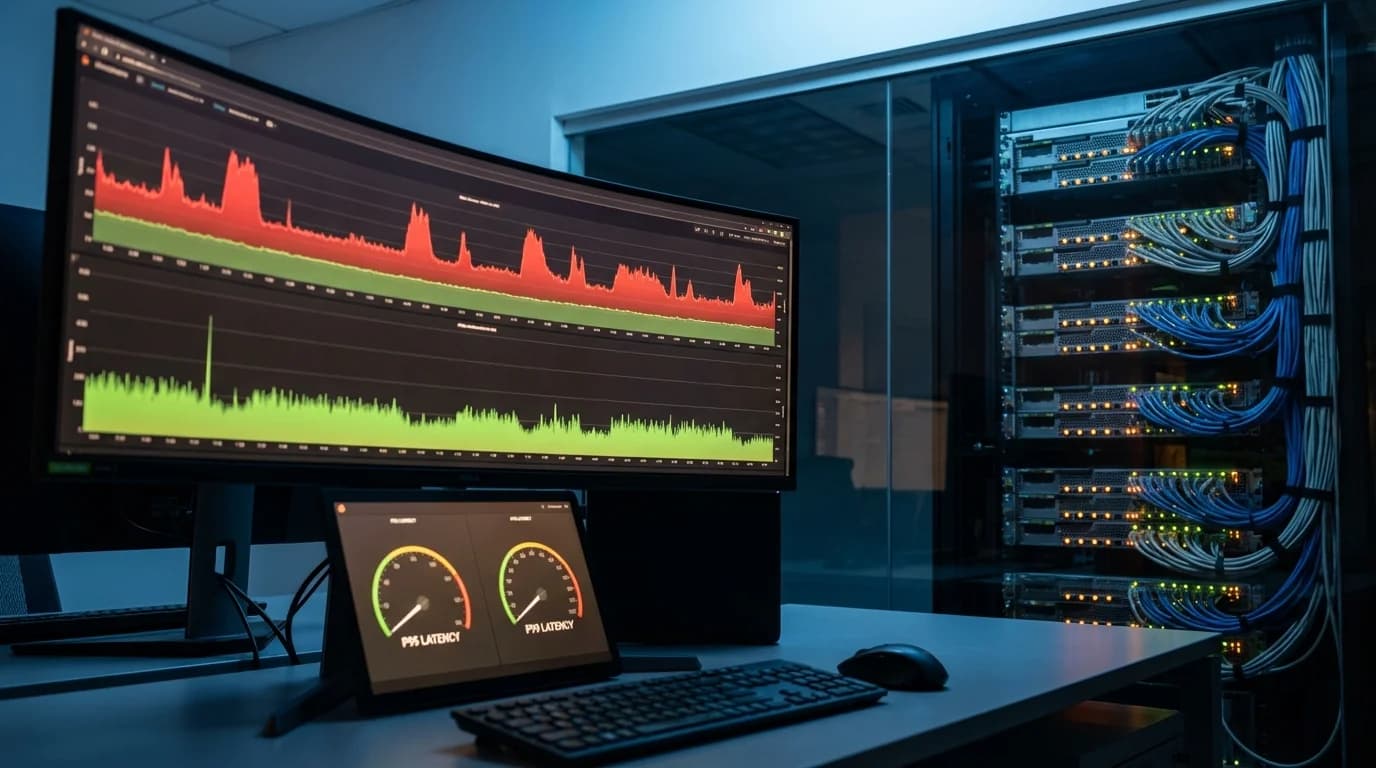
Replace flagship models with specialized 7B models for 80% of workloads. Route simple requests (classification, extraction, JSON) to compact models (100-300ms) and complex reasoning to GPT-5/Claude (2-5s). Implement semantic caching for 30-50% cache hit rates. Self-host to eliminate 100-400ms network overhead. Target P95 latency under 1 second, users abandon after 3 seconds.
A 3-second response time in your AI application isn't a minor UX inconvenience, it's an abandonment trigger. Research consistently shows users start losing patience after 1 second, and by 3 seconds, you're bleeding conversions. I've watched companies spend months optimizing their infrastructure while ignoring the fundamental issue: they picked the wrong model for the job.
At Particula Tech, we've debugged latency problems across customer service platforms, document processing pipelines, and real-time classification systems. The pattern repeats: teams default to flagship models like GPT-5 or Claude Opus 4.5, then scramble to optimize around the inherent slowness of 100+ billion parameter models when they could achieve sub-200ms responses by rethinking model selection entirely.
This guide covers the actual causes of LLM latency in production systems and the architectural changes that deliver 10-50x speed improvements, not incremental tweaks, but fundamental shifts in how you deploy AI.
Why Your LLM Feels Sluggish: The Real Bottlenecks
Before throwing resources at optimization, you need to understand where latency actually comes from. Most teams misdiagnose the problem.
Token Generation Is Inherently Sequential
LLMs generate output one token at a time. Each token requires a forward pass through every layer of the model. A 400-billion parameter model processes more computation per token than a 7-billion parameter model, not proportionally more, but significantly more due to increased layer depth and attention complexity. For a 100-token response: The math is straightforward. Larger models mean more matrix multiplications per token. More tokens mean more sequential generations. There's no parallelization trick that eliminates this fundamental constraint.
- Claude Opus 4.5 (flagship class): 2-5 seconds typical
- GPT-5 Thinking mode: 3-8 seconds depending on reasoning depth
- 7B specialized model: 200-500ms on dedicated hardware
Network Round-Trips Compound Delays
Every API call to OpenAI, Anthropic, or Google introduces latency: You're adding 100-400ms of overhead before the model even starts generating tokens. For streaming responses, each chunk incurs network latency. For high-volume applications, you're experiencing these delays thousands of times daily. Self-hosted models eliminate network overhead entirely. A model running in your infrastructure responds in pure inference time with no external dependencies.
- DNS resolution: 10-50ms
- TLS handshake: 20-100ms
- Network transit: 50-200ms (varies by geography)
- Provider queue time: 0-500ms (varies by load)
Thinking Modes and Chain-of-Thought Add Seconds
GPT-5's Thinking mode and Claude's extended thinking capabilities improve reasoning quality by generating internal deliberation before responding. This is powerful for complex analysis but catastrophic for latency-sensitive applications. A simple classification that should take 50ms gets wrapped in 3 seconds of "thinking" you didn't need. The model is solving a problem that doesn't require solving, applying PhD-level reasoning to determine whether an email is spam.
Batch Processing Limits Throughput
Flagship APIs enforce rate limits that constrain concurrent requests. When you hit those limits, requests queue. Your P99 latency explodes even if median latency looks acceptable. A customer service system handling 100 concurrent conversations can easily exceed tier-1 rate limits. You're either paying premium API tiers, implementing complex retry logic, or watching users wait.
The Small Model Solution: Why 7B Parameters Wins on Speed
The most effective latency optimization isn't tweaking, it's replacing flagship models with task-specific compact models for appropriate workloads.
For a 50-token response, you're looking at 800ms-1.5s on flagship models versus 150-300ms on compact models. Users notice this difference immediately.
Throughput That Actually Scales
A 7B parameter model optimized for classification achieves 10,000+ requests per second on modest GPU hardware. The same task on Claude Opus 4.5 maxes out at roughly 100 requests per second through the API, and you're paying for each one. This isn't marginal improvement. It's 100x throughput difference enabling real-time applications that flagship models can't support at any price. Particula-Classify, our purpose-built classification model, handles sentiment analysis, intent detection, and content moderation at scale with sub-50ms response times. The 96%+ accuracy exceeds general-purpose models while enabling architectures that flagship models make impossible.
Inference Efficiency Compounds
Smaller models require less memory bandwidth, less compute per token, and generate tokens faster. The advantages compound:
Task-Specific Optimization Eliminates Waste
General-purpose models maintain capabilities across thousands of potential tasks. A model that can write poetry, debug code, analyze legal contracts, and chat about philosophy carries cognitive overhead for every request, even when you only need JSON extraction. Purpose-built models shed this overhead. Particula-JSON achieves 99.8% valid JSON output because it doesn't maintain creative writing capabilities that would slow down structured data generation. The model architecture is optimized for one thing, and it does that thing faster than any generalist.
| Metric | Flagship (100B+) | Compact (≤7B) |
|---|---|---|
| Time to first token | 200-500ms | 20-50ms |
| Tokens per second | 30-60 | 100-300 |
| Memory requirement | 200GB+ | 14-28GB |
| Hardware cost | $10,000+/month | $500-2,000/month |
Architectural Patterns for Low-Latency AI
Swapping models is the highest-impact change, but system architecture amplifies or undermines those gains.
User Query → Complexity Classifier → Route Decision
                                      ├── Simple (80%): Compact Model → 100ms response
                                      └── Complex (20%): Flagship Model → 2s response
Implement Intelligent Request Routing
Not every request needs the same model. A well-designed system routes requests based on complexity, maintaining quality while optimizing for speed. Most production workloads are simpler than teams assume. Customer service platforms often route 85%+ of queries to fast specialized models, escalating only genuinely complex requests to slower flagship alternatives. Average response time drops from 2+ seconds to under 400ms with no quality degradation on routed traffic. The router itself should be extremely fast. A lightweight classifier adds 10-20ms overhead but saves 1-3 seconds on the majority of requests.
Parallelize Where Possible
Many AI workflows contain independent subtasks that can execute simultaneously. A document processing pipeline might need: Running these sequentially on a flagship model: 8-12 seconds total. Running entity extraction, sentiment, and topic classification in parallel on specialized models while generating the summary: 1-2 seconds total. Identify independence in your workflows. Anywhere tasks don't depend on each other's outputs, you can parallelize, but only if your models are fast enough to make parallelization worthwhile. For the dependency modeling and scheduling that turns this into a systematic win, see our guide to DAG fan-out and fan-in scheduling to cut agent latency.
- Entity extraction
- Sentiment classification
- Topic categorization
- Summary generation
Cache Aggressively
LLM outputs for identical inputs can be cached indefinitely. If users frequently ask the same questions or your system processes similar documents, caching eliminates inference entirely for repeat requests. Semantic caching extends this further. Queries that are similar (not identical) can return cached responses from near-matches. A well-tuned semantic cache can handle 30-50% of production traffic without touching a model. Caching layers should sit in front of your routing logic: Hit rates depend on your application, but even 20% cache hits meaningfully impact average latency.
- 1. Check exact match cache
- 2. Check semantic similarity cache
- 3. Route to appropriate model
- 4. Cache new responses
Stream Responses for Perceived Speed
When latency can't be eliminated, streaming responses improve perceived performance. Users see tokens appearing in real-time rather than waiting for complete responses. Streaming doesn't reduce actual latency, the last token arrives at the same time regardless. But time-to-first-token improves dramatically, and users engage with partial responses rather than staring at loading indicators. For applications where streaming makes sense (chatbots, writing assistants), implement it. For applications requiring complete responses before action (API calls, data pipelines), streaming provides no benefit.
When Flagship Models Cause Latency Problems
Certain flagship model features actively harm latency without proportional quality benefits for many use cases.
Extended Thinking Costs Seconds Per Request
Claude Opus 4.5 and GPT-5 Thinking mode excel at complex reasoning. They're also 3-10x slower than their standard counterparts. If you've enabled thinking modes for tasks that don't require deep reasoning, you're paying a latency tax for capability you're not using. Disable extended thinking for: Reserve thinking modes for: Most production AI workloads fall into the first category. Configure your models accordingly.
- Classification tasks (sentiment, intent, categorization)
- Structured data extraction
- Standard code generation
- FAQ responses and information retrieval
- Complex analysis requiring multi-step reasoning
- Novel problem-solving without clear patterns
- Research synthesis across multiple domains
- Strategic recommendations with nuanced tradeoffs
Massive Context Windows Slow Inference
Gemini 3 Pro offers 1 million token context windows. Claude supports 200K. These capabilities enable impressive demonstrations but slow inference substantially. Processing 100K tokens of context adds 500-1500ms to response time compared to 4K tokens. If you're stuffing context windows with "just in case" information, you're trading latency for context that may not improve quality. Evaluate your actual context requirements: Most applications perform well with 4-8K tokens of carefully selected context. RAG architectures that retrieve relevant context on-demand outperform approaches that maximize context window utilization.
- What's the minimum context needed for acceptable quality?
- Can you retrieve relevant context dynamically rather than including everything?
- Are you including historical conversation turns that don't impact current responses?
Premium Tiers Don't Solve Throughput
Upgrading to higher API tiers increases rate limits but doesn't reduce per-request latency. If your problem is slow individual responses rather than throttled concurrent requests, premium tiers won't help. Similarly, provisioned capacity offerings guarantee availability but don't make models faster. You're paying for consistent access to the same slow model.
Measuring Latency Correctly
Optimizing latency requires measuring the right metrics in representative conditions.
Beyond P50: Tail Latency Matters
Median latency (P50) hides the user experience of your slowest requests. If your P50 is 500ms but your P99 is 4 seconds, 1 in 100 users experiences terrible performance. For high-traffic applications, that's hundreds or thousands of frustrated users daily. Track P50, P95, and P99 latency separately. Optimize for P95/P99, that's where user complaints originate. For the numbers to hold each model class to, see the TTFT and tokens-per-second targets to hold each model class to.
Separate Network from Inference
Your monitoring should distinguish: A 3-second total latency with 2.5 seconds of model inference and 500ms of network overhead requires different solutions than 1 second of inference with 2 seconds of application-layer delays. Instrument each component. Profile before optimizing.
- Time to API response (if using hosted models)
- Time to first token
- Time to complete response
- Total round-trip including your application logic
Load Test Realistically
Latency under light load tells you little about production performance. Test at expected peak concurrency. Test at 2x expected peak. Observe how latency degrades as load increases. Flagship API latency often doubles or triples under heavy provider load. Your own infrastructure may exhibit similar degradation without proper resource allocation. Understanding this relationship informs capacity planning.
Migration Path: From Slow Flagship to Fast Specialized
Transitioning from flagship models to specialized alternatives follows a predictable pattern.
Audit Current Workloads
Map every AI call to its function, volume, and complexity level. Most organizations discover 3-5 high-volume workloads consuming 80%+ of API spend and latency budget. These are optimization targets. Categorize each workload:
- Classification: Sentiment, intent, categorization → Strong candidate for specialized models
- Extraction: JSON, entities, structured data → Strong candidate for specialized models
- Generation: Standard code, templates, formats → Good candidate for specialized models
- Reasoning: Analysis, strategy, synthesis → May require flagship models
Start with Highest-Volume Simple Tasks
Your classification and extraction workloads likely have the best ROI for specialization. They're high-volume (maximizing savings), low-complexity (enabling small models), and latency-sensitive (maximizing user experience improvement). At Particula, we typically see clients start with customer service intent classification or document data extraction. These workloads move from 2+ second flagship responses to sub-200ms specialized model responses with accuracy improvements, not just matching flagship quality, but exceeding it.
Deploy Alongside Existing Systems
Don't rip and replace. Deploy specialized models handling a percentage of traffic while maintaining flagship fallback. Compare quality metrics, latency metrics, and error rates. Typical rollout: This de-risks the migration while building confidence in the specialized approach.
- 1. 5% traffic to specialized model with full logging
- 2. Verify quality meets or exceeds baseline
- 3. Increase to 25%, monitor for edge cases
- 4. Increase to 80%+, routing complex cases to flagship
Iterate Based on Real Metrics
After initial deployment, identify remaining latency bottlenecks. You may find: Continuous measurement drives continuous improvement. The teams achieving 10-50x latency improvements don't stop after one optimization pass.
- Additional workloads suitable for specialization
- Routing logic improvements that better distinguish simple from complex
- Caching opportunities for frequent query patterns
- Infrastructure optimizations for self-hosted models, choosing the right inference server matters; see our Ollama vs vLLM comparison for throughput benchmarks
Real Impact: What Latency Optimization Delivers
The business case for latency optimization extends beyond technical metrics.
User Experience Transforms
Moving from 3-second to 300ms responses changes how users interact with your product. They ask follow-up questions instead of abandoning. They trust the system more because it feels responsive. They complete workflows that previously timed out their patience. User engagement metrics, session length, feature adoption, return visits, typically improve 20-40% when AI response times drop below 1 second. These aren't theoretical projections; they're patterns we've measured across client deployments.
Costs Drop Simultaneously
Faster responses aren't just better, they're cheaper. Specialized models at $0.03 per million tokens versus flagship models at $15-75 per million tokens. Self-hosted inference at fixed infrastructure cost versus per-token API pricing that scales with success. The common objection, that optimization requires investment, reverses quickly. Most organizations see positive ROI within the first quarter of specialized model deployment, with compounding savings thereafter.
Architecture Options Expand
Sub-200ms response times enable real-time features that 3-second responses prohibit. This is the same constraint behind the 300ms latency budget for real-time voice agents, where every millisecond of model inference eats into the window before a conversation feels laggy. You can offer: Speed creates capability. The features you couldn't build with slow models become possible with fast ones.
- Live suggestions as users type
- Instant classification and routing
- Real-time moderation before content publishes
- Agent workflows that don't feel like waiting
Making the Shift
The LLM latency problem isn't solved by faster hardware or premium API tiers. It's solved by matching model architecture to task requirements, using compact, specialized models for the 80% of workloads that don't need frontier reasoning, and reserving flagship models for the 20% that genuinely benefit. If you're evaluating which frontier model to keep for that top 20%, see our Claude 4.6 vs GPT-5.3 vs Gemini 3.1 comparison for the latest benchmarks and pricing.
If your users are waiting 2+ seconds for AI responses, you have an architecture problem, not an infrastructure problem. The solution is smaller models optimized for your specific tasks, models that deliver better accuracy at 100x the speed and 1/100th the cost.
Start by measuring your actual latency at P95/P99. Identify your highest-volume, lowest-complexity workloads. Test specialized alternatives on representative traffic. The results typically speak for themselves: faster responses, higher accuracy, lower costs.
Your users don't care about model parameter counts or benchmark scores. They care about whether your product responds quickly enough to feel useful. Purpose-built small models make that possible in ways flagship models fundamentally cannot.
FAQ
Quick answers to the questions this post tends to raise.